
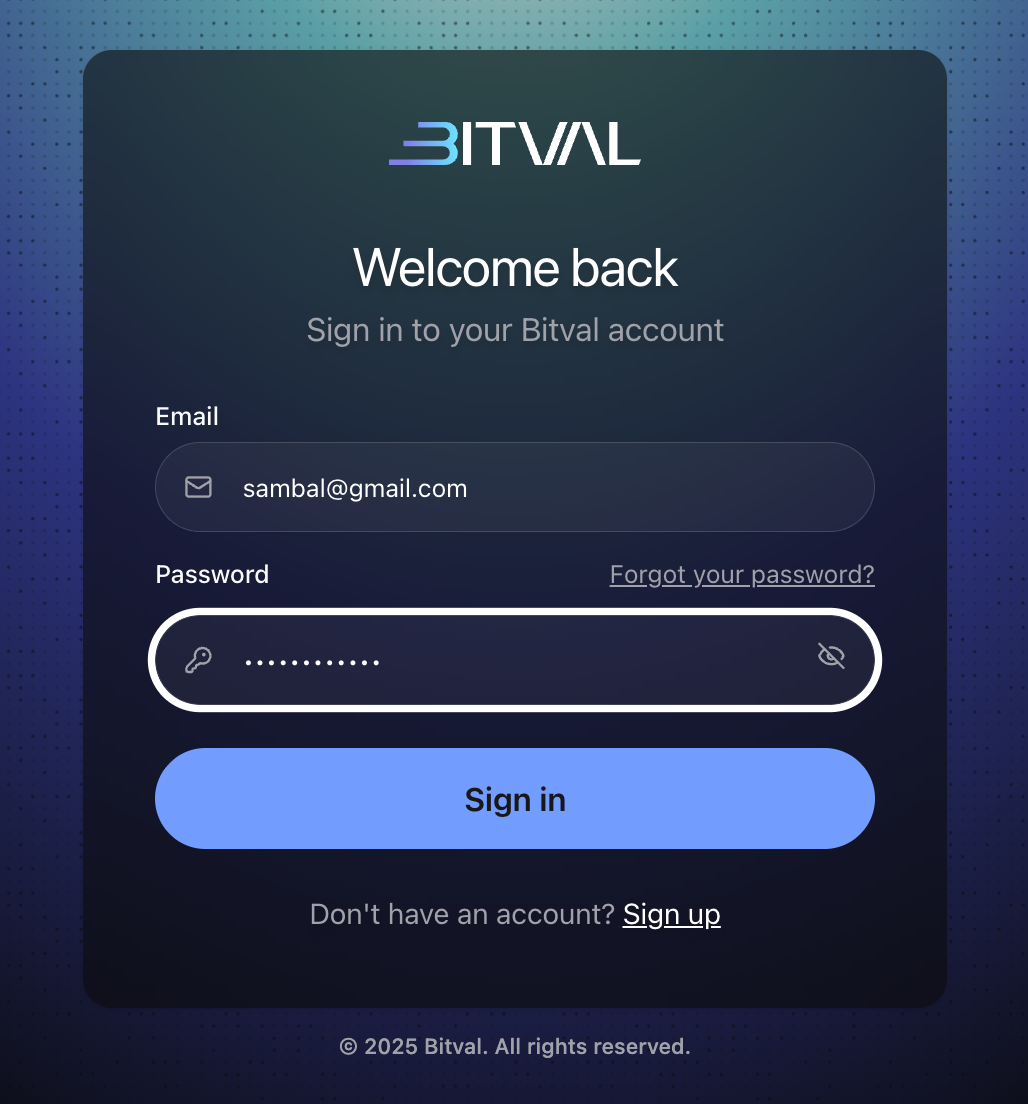
Go to bitval.com/sign-in
Enter your email and password
If your 2FA is not enabled
A one time password (OTP) code will be sent to your email
Enter the code and you’ll be taken to your account

If your 2FA is enabled
Open your authenticator app and take the Bitval code you see
Enter the code from your app and you’ll be taken to your account

Related Articles