
How to Reset Your Password
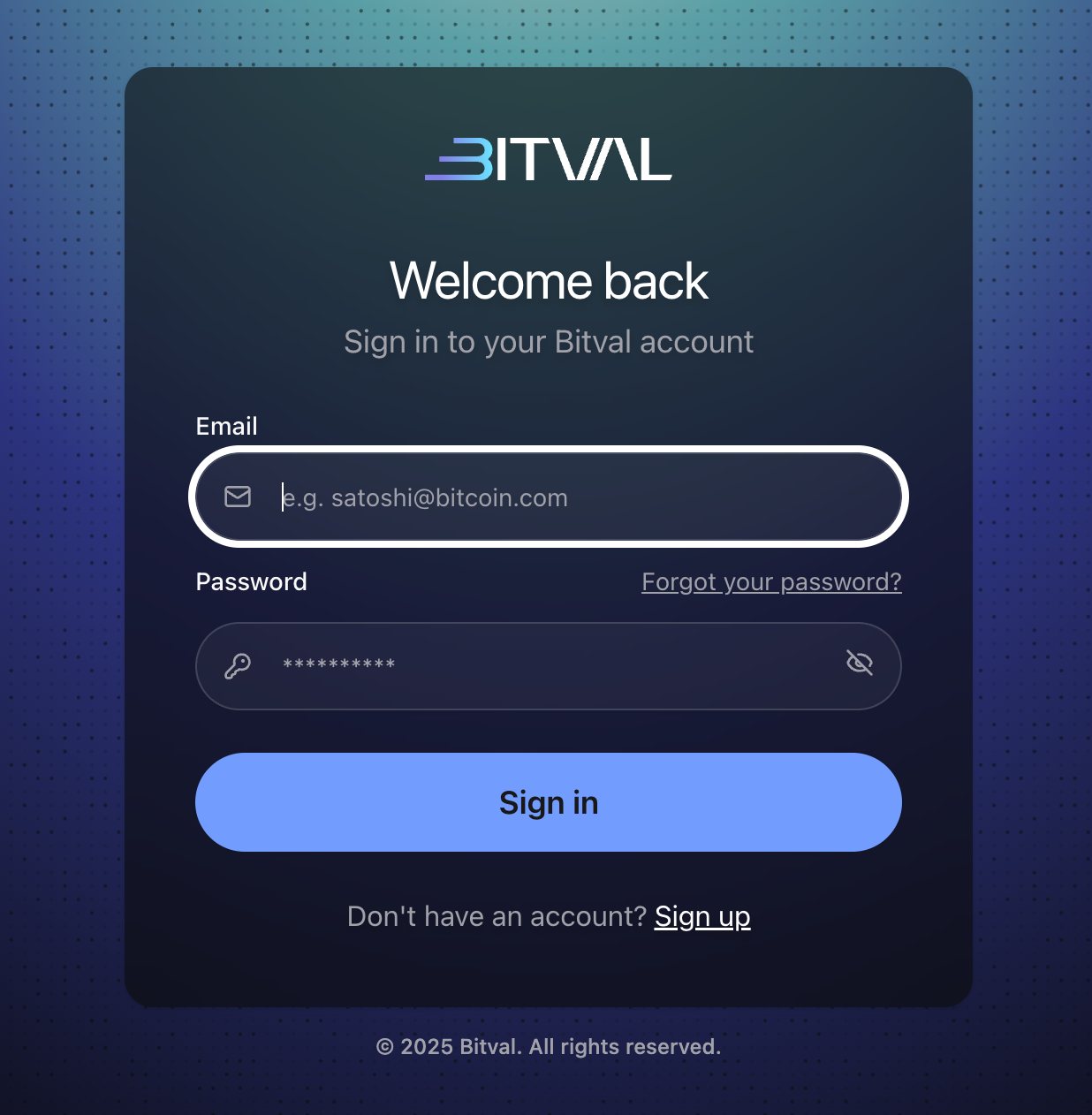
Go to the Bitval Login Page and click “Forgot your password?”
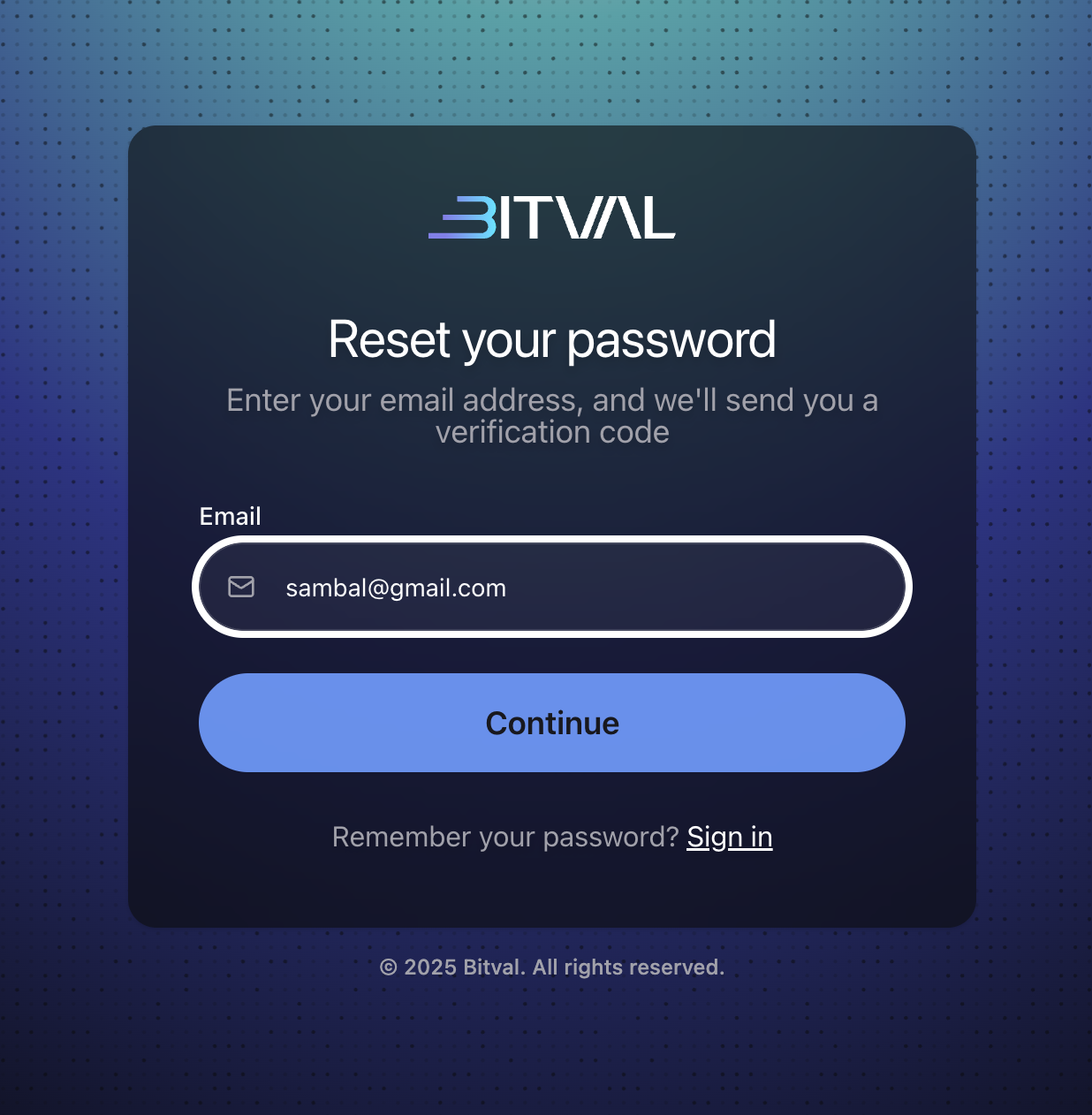
Enter your registered email address and click Continue.
Check your inbox for a password reset email from Bitval.
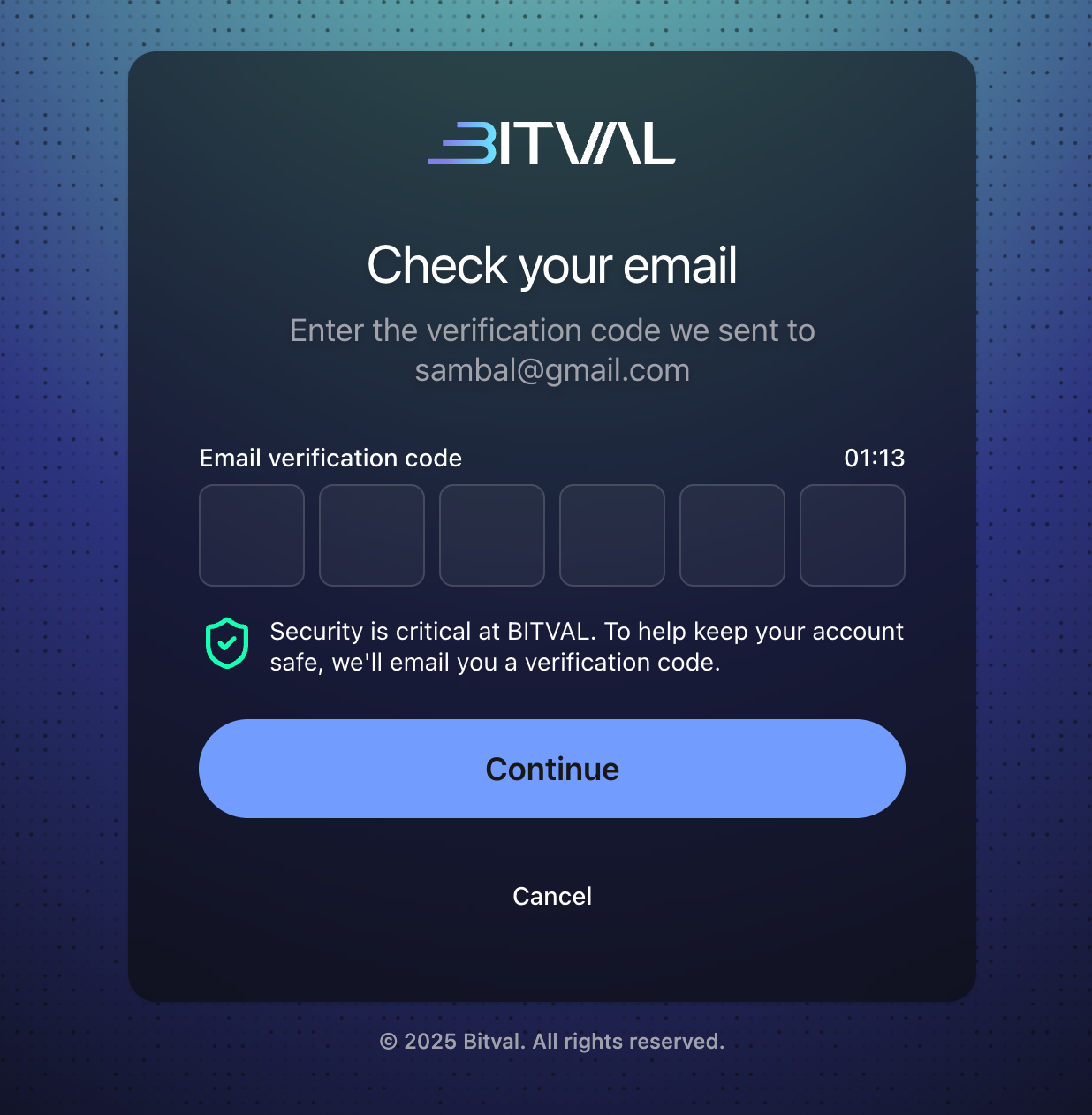
Enter the code and select a new password.
Didn’t Receive the Email?
Check your spam or junk folder.
Make sure you entered the correct email address linked to your Bitval account.
If you still haven’t received the email after a few minutes, contact Bitval Support
for assistance.