
Go to bitval.com/sign-up.
Enter your email and password.
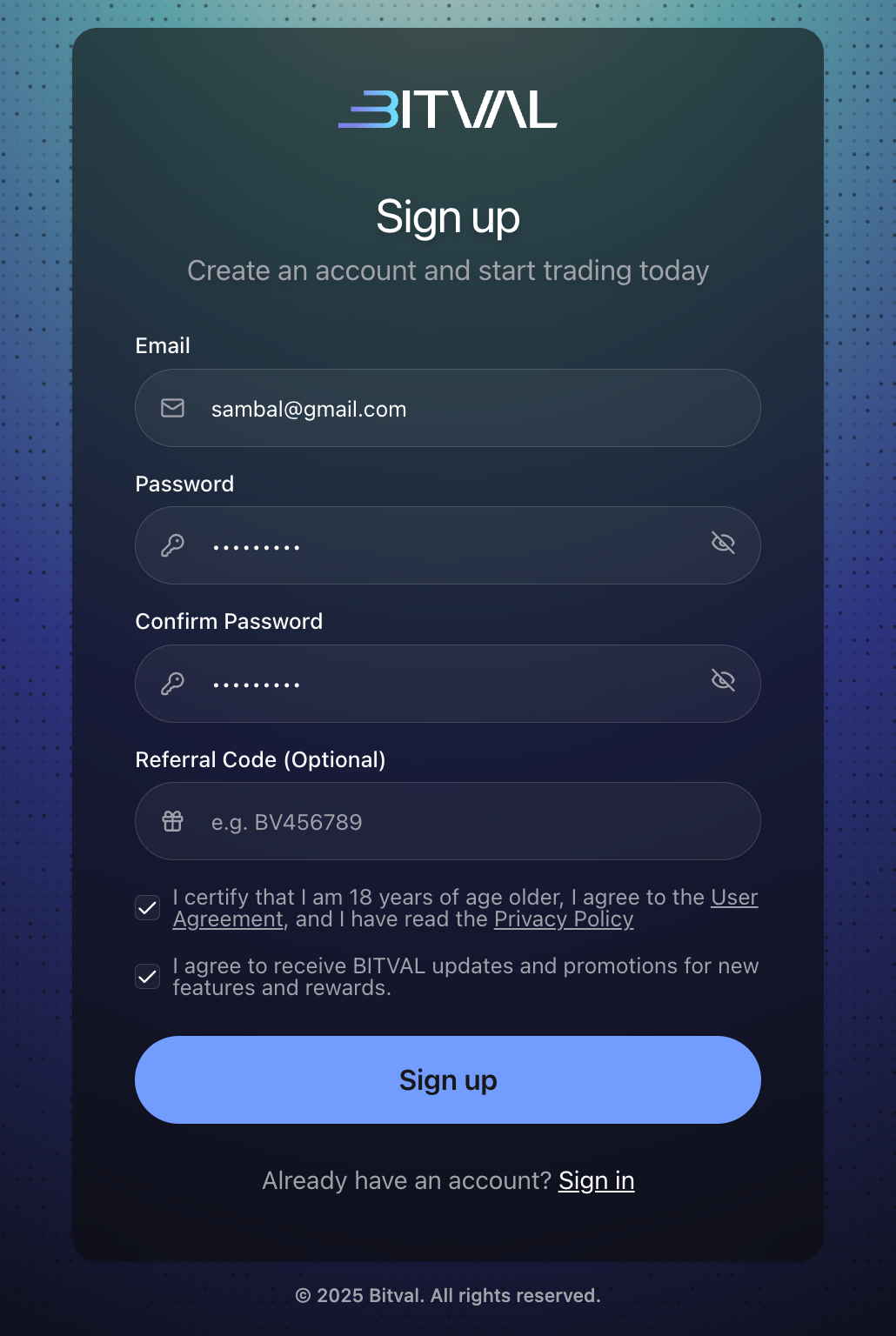
Agree to the Terms and click Sign up.
Check your email and click the Complete registration button.
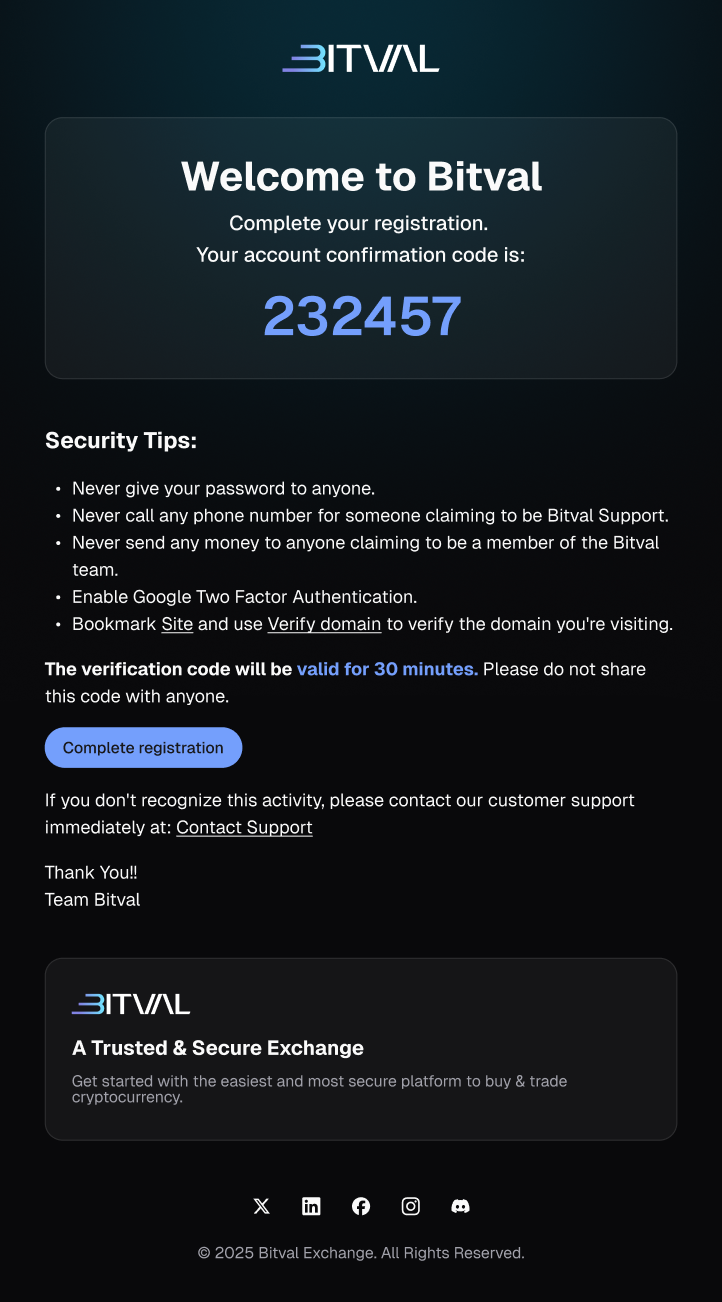
Enter the code from your email
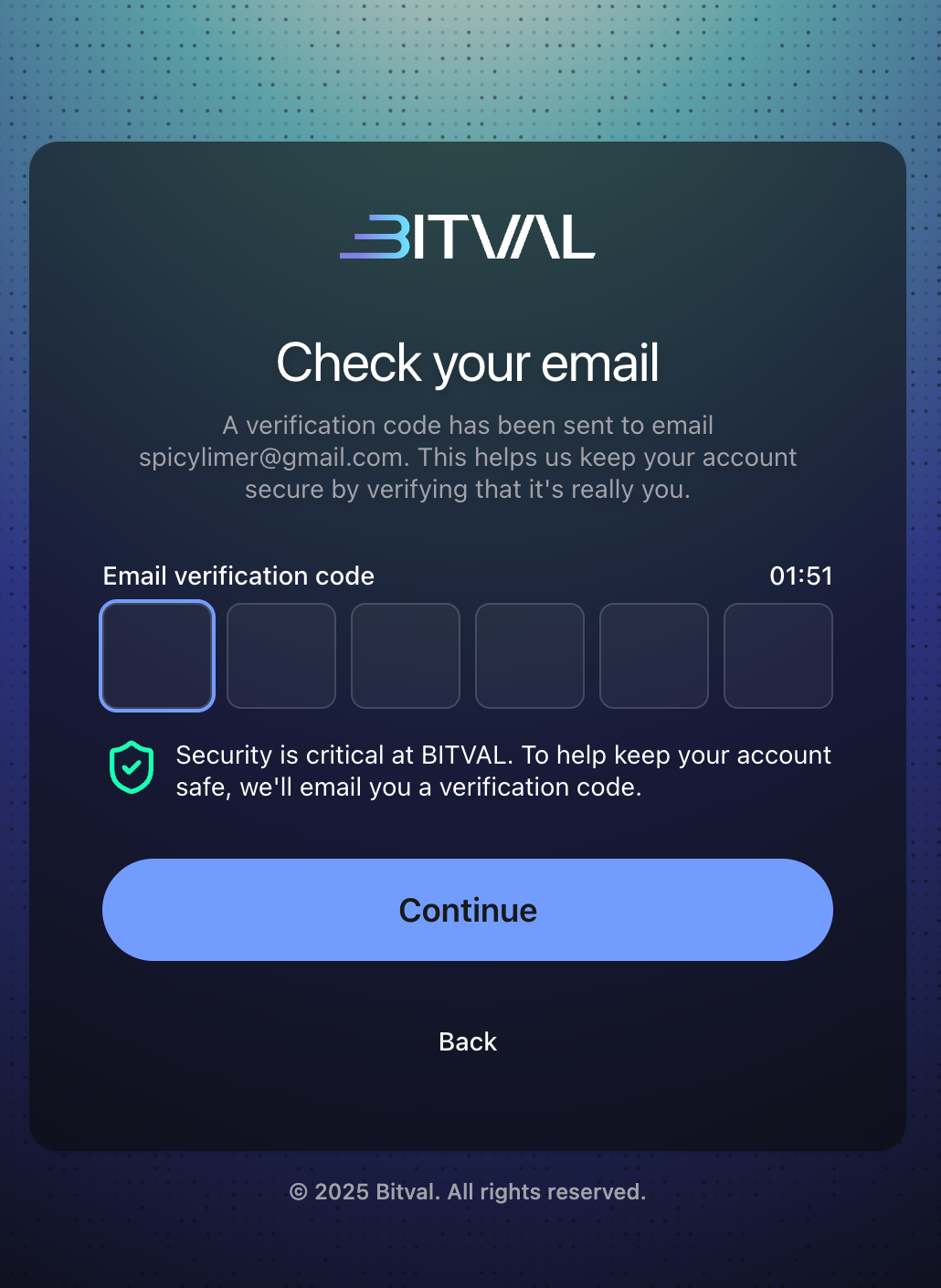
Your account is now active.
To enjoy the full capabilities of the platform, proceed with KYC
Frequently asked questions:
I haven’t received a verification email, what should I do?
If you don’t see the verification email, check your spam folder.
Can I use Bitval without verifying my email?
No, you cannot use Bitval without verifying your email. After signing up, you must check your inbox and complete email verification before your account is activated and accessible.
I entered the correct OTP but it says “invalid code.” How do I fix this?
Double-check that you're entering the most recent code (codes expire quickly).
If using email OTP, request a new code and use that one.