
Overview
Personalize your referral link to match your style or username. A custom link makes sharing easier and builds your brand as a referrer.
How to create/rename your custom referral URL
Go to Referrals → Referral Link and click on the editable link field.
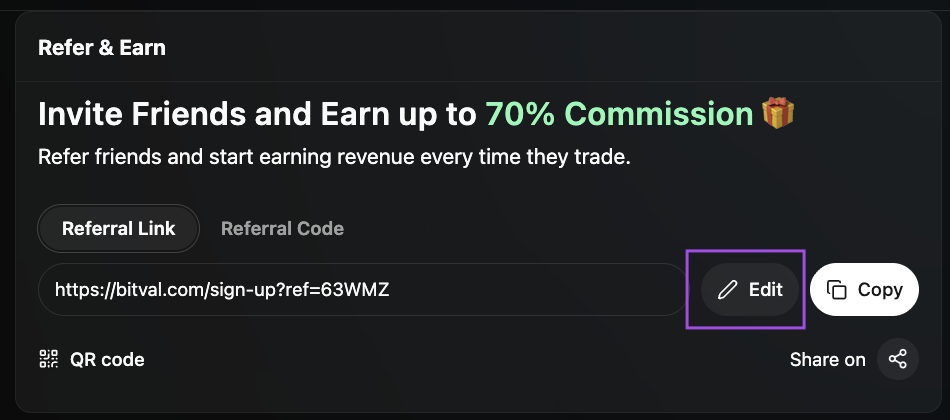
Choose a custom name or short handle to personalize your referral URL (e.g. bitval.com/sign-up?ref=tonyBRO).
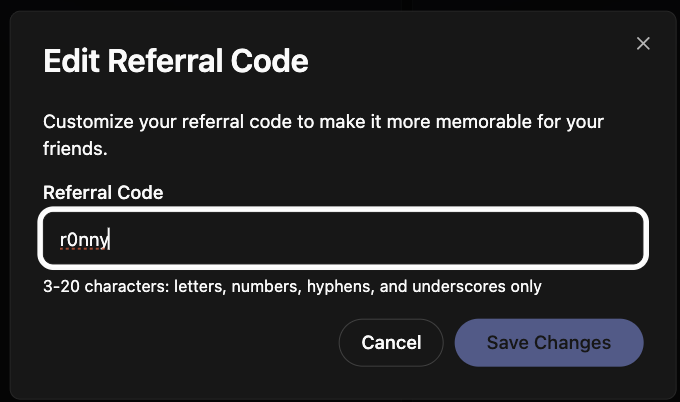
Save your changes - the new URL instantly updates your shareable link and QR code.
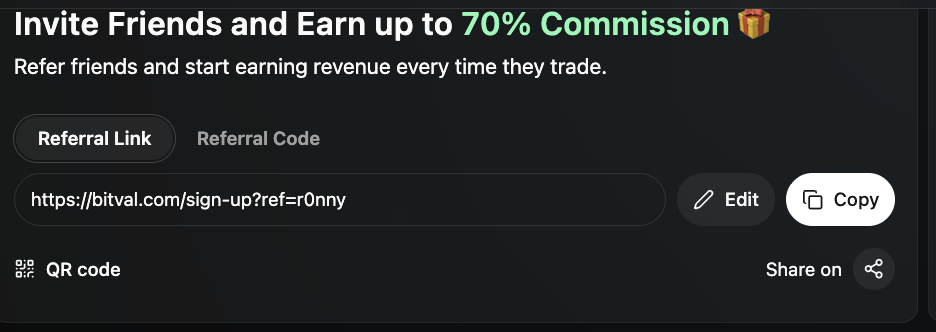
You can copy it or share it via integrated social buttons.
Personalized links make it easier to track your campaigns and maintain a recognizable brand identity.
Please note
Once you change your link, all your existing referrals will remain unchanged
Once you change your link, the old link will be not valid anymore