
Overview
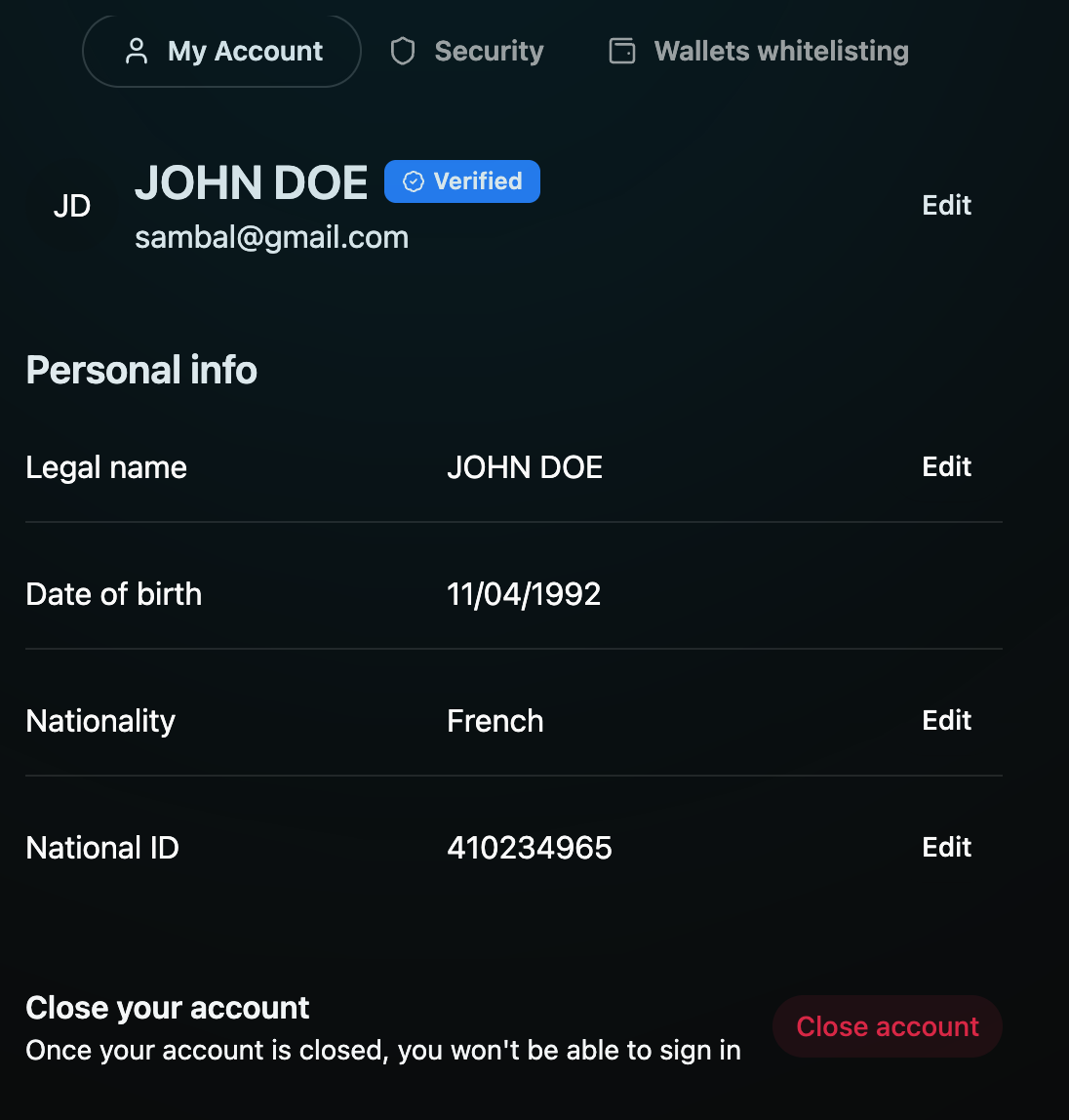
Your profile contains all essential personal information linked to your Bitval account. You can update your legal name, date of birth, address, and nationality directly from the My Account page.
To update your details:
Go to My Account → Personal info.
Click Edit next to the field you want to update.
Enter the correct information and confirm your change.
Most personal edits (like legal name or nationality) may require identity re-verification.
Tip: Always ensure your personal info matches your KYC documents to avoid delays during verification or withdrawals.